ESP32 Dino Game (No Coding Required)
.xai-section { font-family: 'Inter', sans-serif; color: #1a2c3e; line-height: 1.5; } /\* Heading \*/ .xai-section h2 { font-size: 1.6rem; font-weight: 700; margin: 2rem 0 1rem; border-left: 4px solid #2d8c6c; padding-left: 1rem; } /\* Card \*/ .xai-section .card { background: white; border-radius: 1
.xai-section { font-family: 'Inter', sans-serif; color: #1a2c3e; line-height: 1.5; } /* Heading */ .xai-section h2 { font-size: 1.6rem; font-weight: 700; margin: 2rem 0 1rem; border-left: 4px solid #2d8c6c; padding-left: 1rem; } /* Card */ .xai-section .card { background: white; border-radius: 1.5rem; box-shadow: 0 8px 20px rgba(0,0,0,0.05); padding: 2rem; margin: 1.5rem 0; border: 1px solid #e2e8f0; text-align: center; } /* Paragraph container */ .xai-section .desc { max-width: 900px; margin: 0 auto; font-size: 1rem; line-height: 1.7; text-align: left; } /* Paragraph spacing */ .xai-section .desc p { margin: 0 0 0.6rem; } .xai-section .desc p:last-child { margin-bottom: 0; } /* Highlight important component/controller names */ .xai-section .desc strong { font-weight: 700; color: #1a2c3e; } /* Icon */ .xai-icon { display: inline-flex; width: 28px; height: 28px; align-items: center; justify-content: center; background: #e6f7f0; color: #2d8c6c; border-radius: 8px; margin-right: 8px; font-size: 14px; font-weight: bold; }
#Introduction
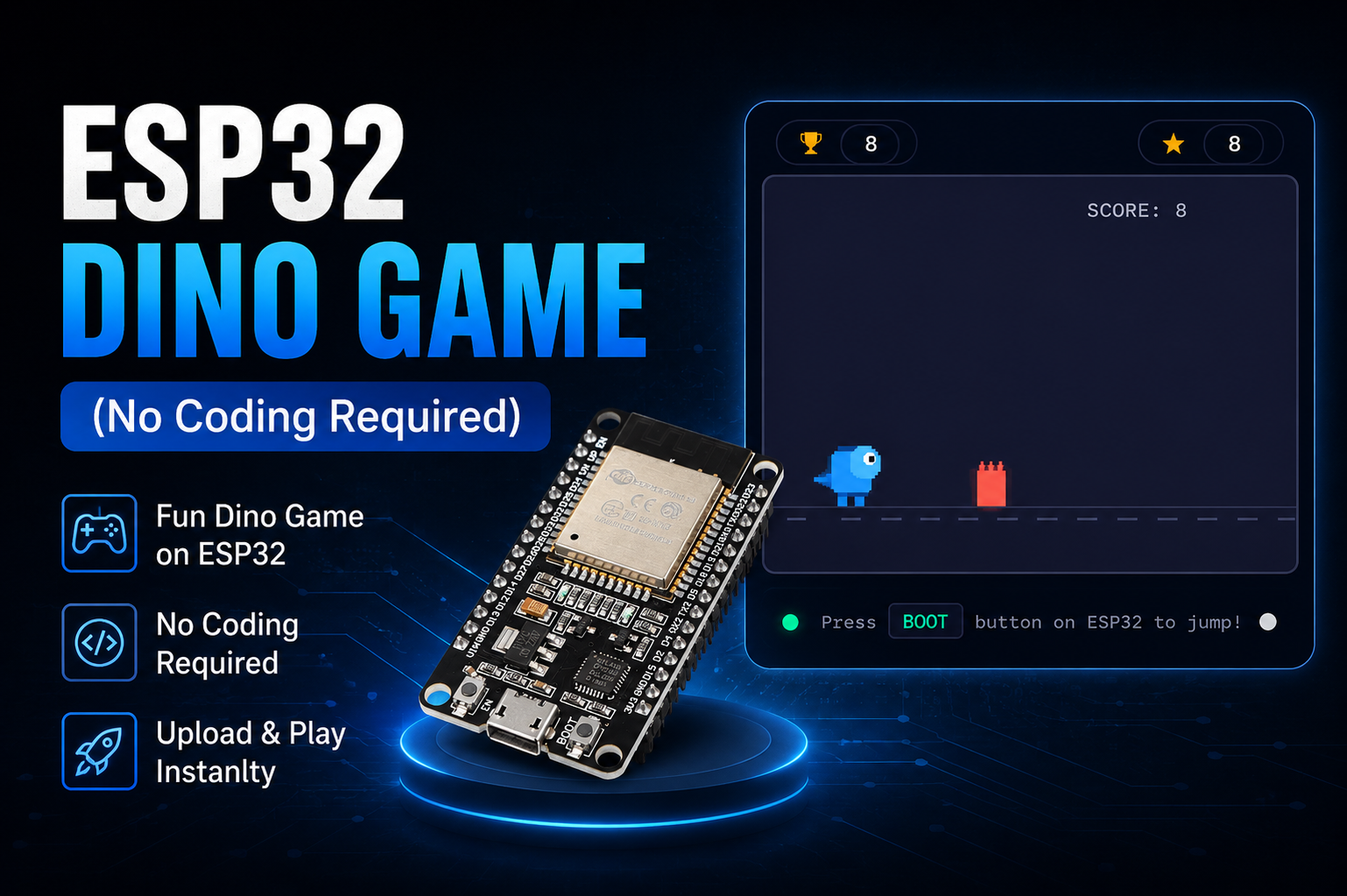
Turn your ESP32 into an interactive Dino Runner Game controlled by its physical BOOT button. The ESP32 creates its own Wi-Fi network and hosts the game in a web browser. With WebSocket communication, animated graphics, obstacles, scoring, and increasing difficulty, this project is a fun way to explore the combination of ESP32 hardware and web-based gaming.
.xai-section { font-family: 'Inter', sans-serif; color: #1a2c3e; line-height: 1.5; text-align: left; } /* Heading */ .xai-section h2 { font-size: 1.6rem; font-weight: 700; margin: 2rem 0 1rem; border-left: 4px solid #2d8c6c; padding-left: 1rem; } /* Card */ .xai-section .card { background: white; border-radius: 1.5rem; box-shadow: 0 8px 20px rgba(0,0,0,0.05); padding: 1.5rem; margin: 1.5rem 0; border: 1px solid #e2e8f0; overflow-x: auto; } /* Table */ .xai-section table { width: 100%; border-collapse: collapse; margin-top: 1rem; min-width: 500px; } .xai-section th, .xai-section td { text-align: left; padding: 12px; border-bottom: 1px solid #e2e8f0; font-size: 14px; white-space: nowrap; } .xai-section th { background: #f1f5f9; font-weight: 700; } /* Alert box */ .xai-section .alert { margin-top: 1rem; padding: 12px; border-radius: 12px; background: #fff3cd; border-left: 4px solid #2d8c6c; font-size: 14px; } /* Icon */ .xai-icon { display: inline-flex; width: 28px; height: 28px; align-items: center; justify-content: center; background: #e6f7f0; color: #2d8c6c; border-radius: 8px; margin-right: 8px; font-size: 14px; }
#Required Components
Component
Description
Qty
ESP32 Dev Board
30/38 Pins
1
USB Cable
Programming
1
.xai-section { font-family: 'Inter', sans-serif; color: #1a2c3e; line-height: 1.5; text-align: left; /* 🔥 FORCE LEFT ALIGN */ } /* Heading */ .xai-section h2 { font-size: 1.6rem; font-weight: 700; margin: 2rem 0 1rem; border-left: 4px solid #2d8c6c; padding-left: 1rem; } /* Card */ .xai-section .card { background: white; border-radius: 1.5rem; box-shadow: 0 8px 20px rgba(0,0,0,0.05); padding: 1.5rem; margin: 1.5rem 0; border: 1px solid #e2e8f0; text-align: left; /* 🔥 IMPORTANT FIX */ } /* List */ .xai-section ol { margin: 1rem 0 1rem 1.5rem; text-align: left; /* 🔥 SAFE FIX */ } /* Icon */ .xai-icon { display: inline-flex; width: 28px; height: 28px; align-items: center; justify-content: center; background: #e6f7f0; color: #2d8c6c; border-radius: 8px; margin-right: 8px; font-size: 14px; font-weight: bold; }
#Flash Firmware (Browser-Based)
No Arduino IDE required — flash directly from your browser using Web Serial.
- Click "CONNECT" below
- Hold BOOT button on ESP32 and connect USB
- Select the ESP32 port and click Connect
- Choose "Install OceanLabz ESP32" and click Install
- Wait 2 minutes for completion
.flash-container{ background:#f4f7fb; display:flex; justify-content:center; align-items:center; padding:30px 20px; font-family:Arial,sans-serif; } .flash-card{ background:#ffffff; width:100%; max-width:500px; border-radius:20px; padding:40px 30px; text-align:center; box-shadow:0 10px 30px rgba(0,0,0,0.08); } .flash-title{ font-size:32px; font-weight:700; color:#0b2c5f; margin-bottom:15px; } .flash-subtitle{ color:#555; font-size:16px; line-height:1.6; margin-bottom:25px; }
ESP32 Firmware
.xai-pair-section { font-family: 'Inter', sans-serif; color: #1a2c3e; line-height: 1.5; } /* Heading */ .xai-pair-section h2 { font-size: 1.6rem; font-weight: 700; margin: 2rem 0 1rem; border-left: 4px solid #2d8c6c; padding-left: 1rem; } /* Card */ .xai-pair-card { background: white; border-radius: 1.5rem; box-shadow: 0 8px 20px rgba(0,0,0,0.05); padding: 1.5rem; margin: 1.5rem 0; border: 1px solid #e2e8f0; } /* Step list */ .xai-step { display: flex; gap: 12px; margin-bottom: 14px; align-items: flex-start; } /* Step number */ .xai-step-num { min-width: 32px; height: 32px; border-radius: 50%; background: #2d8c6c; color: white; font-weight: 700; display: flex; align-items: center; justify-content: center; font-size: 14px; } /* Step content */ .xai-step-text { font-size: 14px; } /* Highlight */ .xai-highlight { font-weight: 600; } /* Icon */ .xai-pair-icon { display: inline-flex; width: 28px; height: 28px; align-items: center; justify-content: center; background: #e6f7f0; color: #2d8c6c; border-radius: 8px; margin-right: 8px; font-size: 14px; }
#Connect to ESP32
1
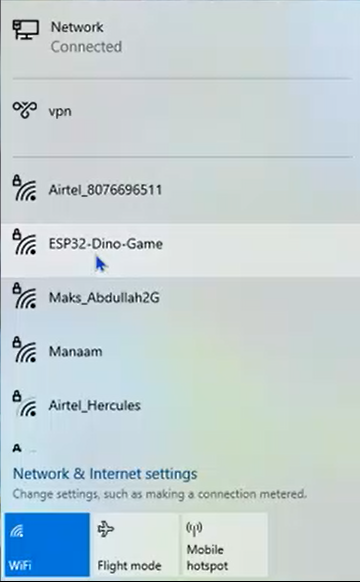
After flashing the firmware, open the Wi-Fi settings on your smartphone or computer and connect to the Wi-Fi network:
2
Wi-Fi Name (SSID): ESP32-Dino-Game Password: 12345678
3
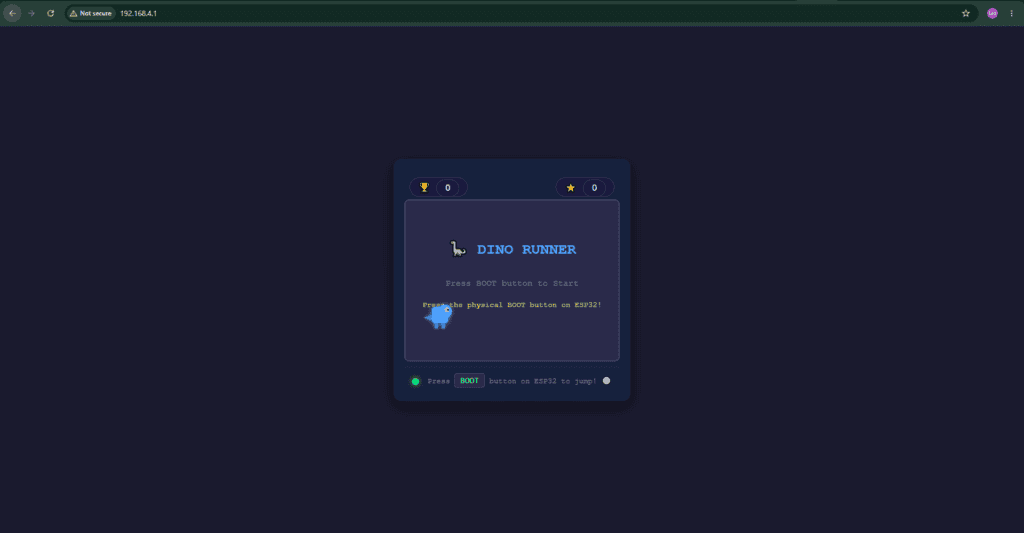
Once connected, open the ESP32’s IP address http://192.168.4.1/ in your web browser to start playing the game.